Choose a view for your task
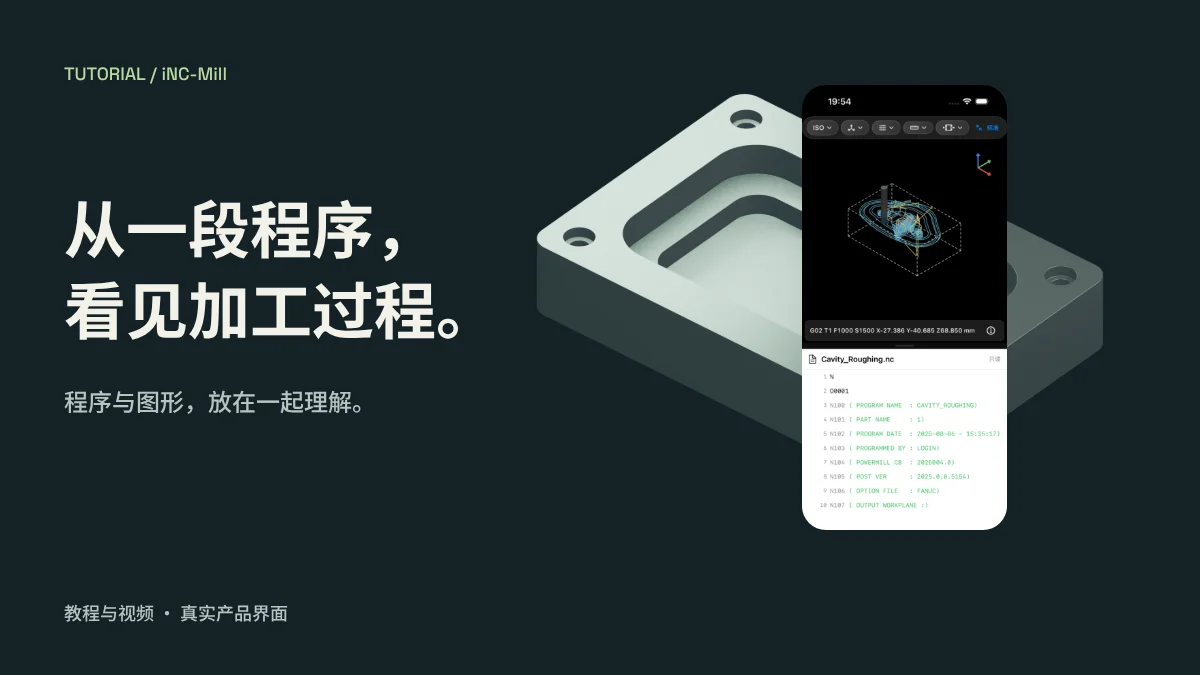
Standard mode retains navigation. Machining mode compares the toolpath and read-only NC code in adjustable panes. Viewing mode expands the 3D view. NC supports all three; STEP/STL support Standard and Viewing.
Edit in the editor
The code in Machining mode is for inspection. Return to the NC editor to make changes, then review parsing diagnostics and controller guidance.
Use visualization to support review
iNC-Mill supports manual review, learning and visualization. It does not replace professional verification, collision checking or machine safety procedures. Review results against the actual machine, tooling and setup.